Reports
Reports - Home Energy Assessment (HEA) reports and Technical Assessment Forms (TAF). Additional reports
Create Reports
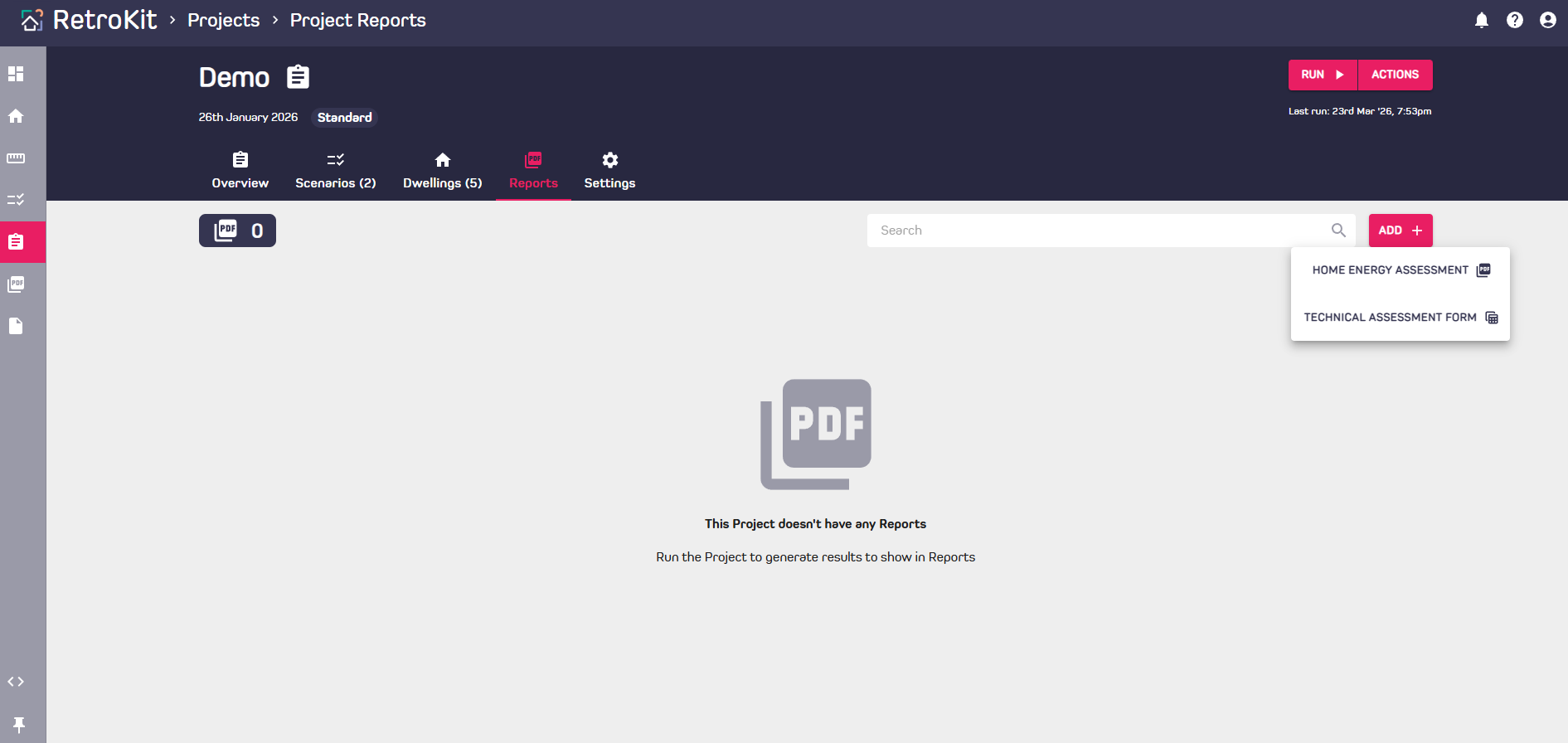
- Navigate to the Projects page, open the Project you wish to work on and find the Report tab.
- Click the "Add +" button on the top right.
- Chose your Report type.
- Choose your Dwelling.
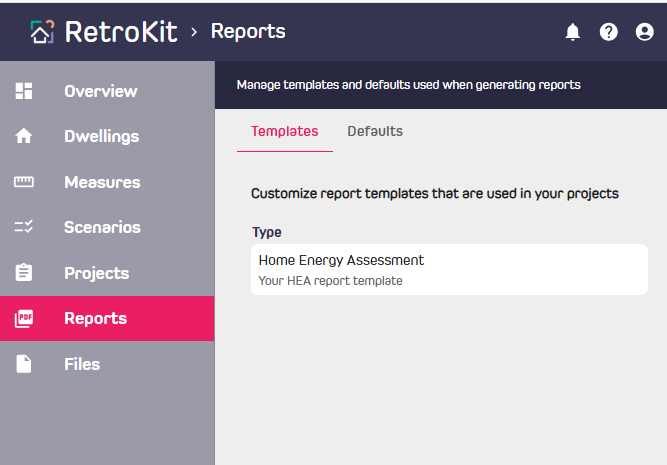
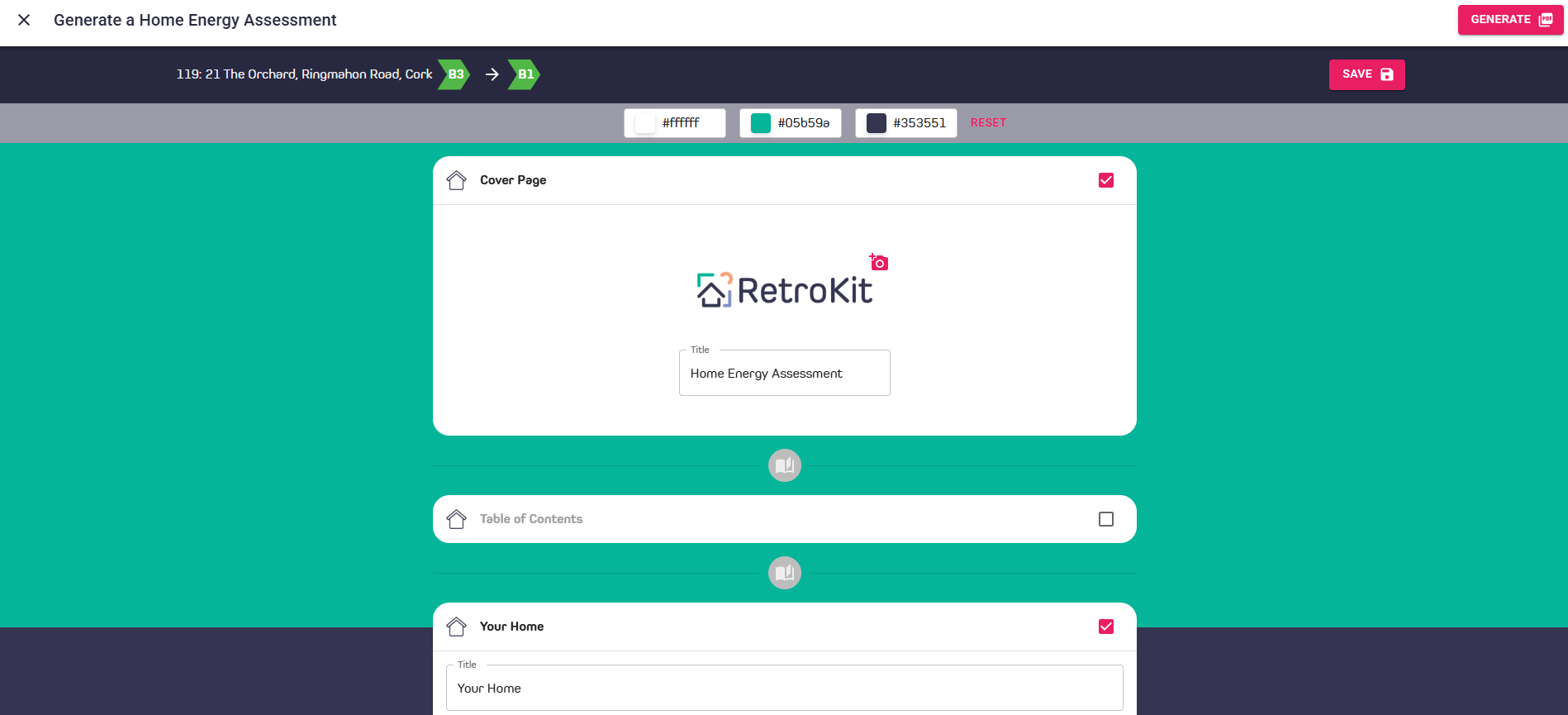
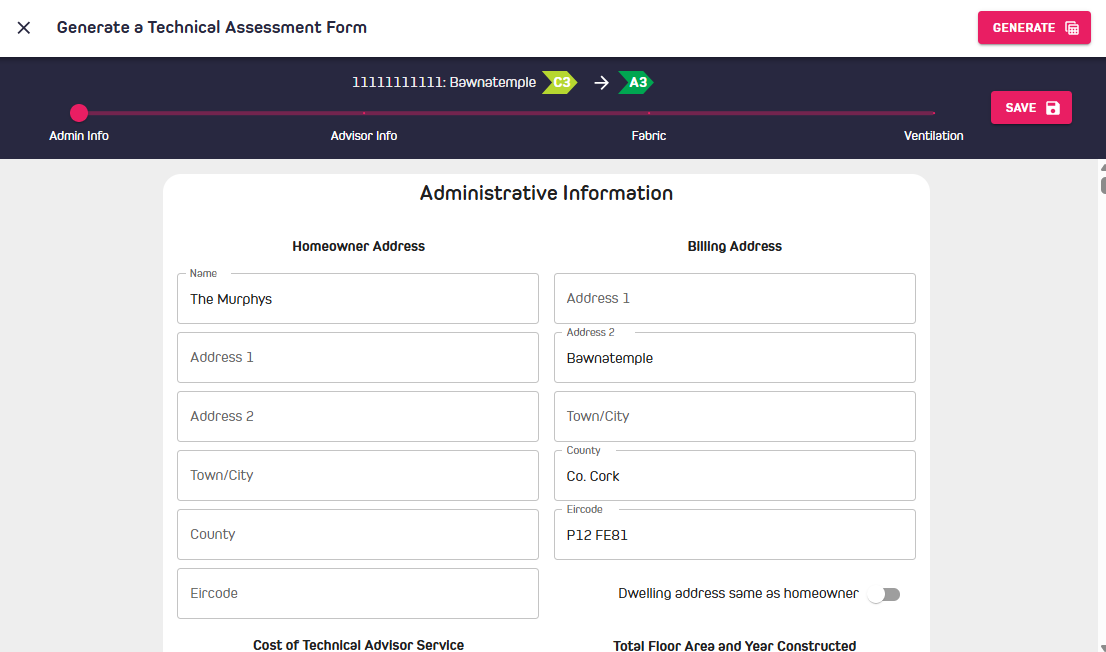
- The report data will be generated based on the recommended Scenario for that Dwelling. HEA's general content will be prepopulated with text and colouring from your Report template from the main "Reports" menu as shown below.
- To edit the Report contents, click the 3 dots on the right of the reports table and choose the edit action.
- Work through the Report and add information as required.
- Click the "Save" button on the top right to save and come back later or prior to Generating the PDF for HEAs or XLSX for TAFs
- To create a PDF (or XLSX for TAFs) when your are finished, click the "Generate" button.
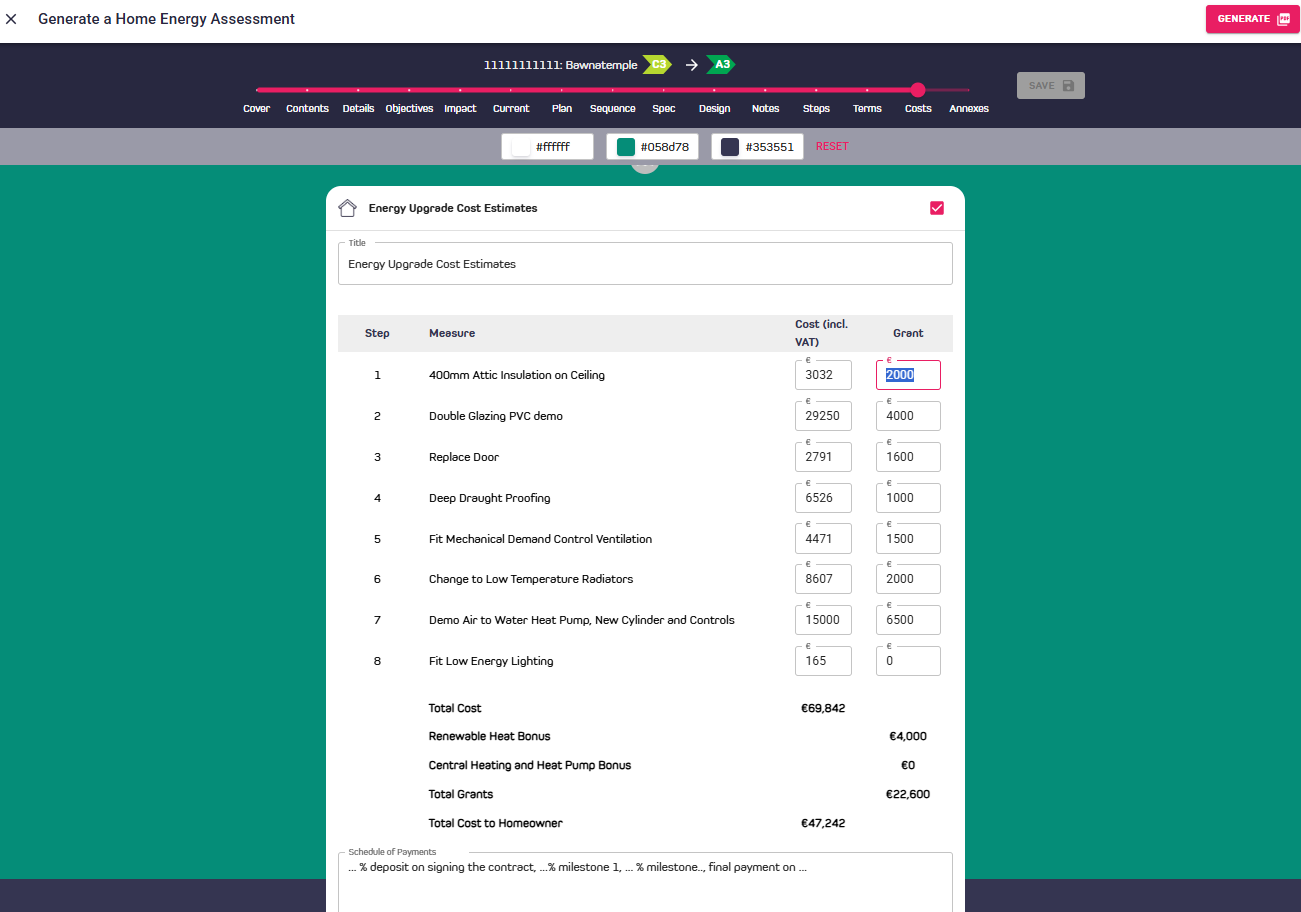
Editing Costs and Grants in existing Results
- Costs and grants are editable in the HEA generator as shown below:
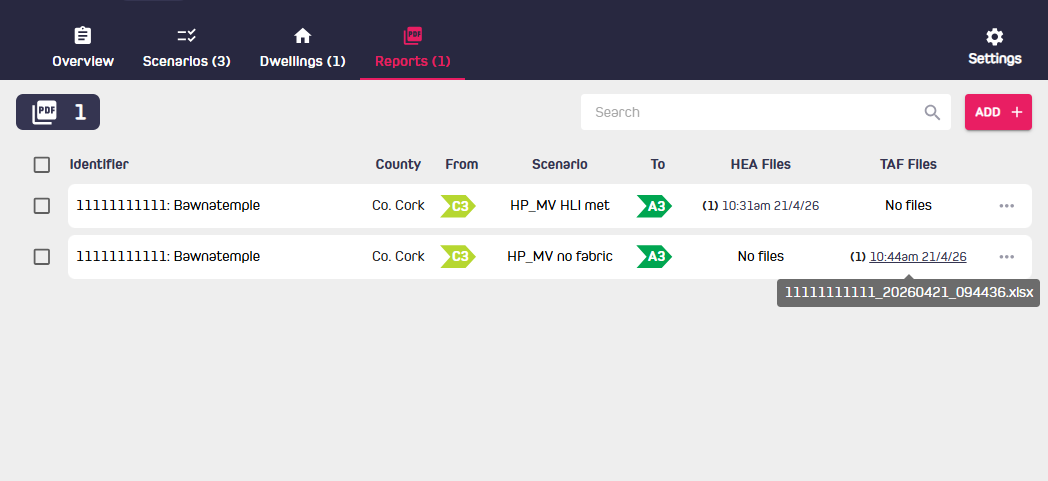
Browse existing HEAs and TAFs
Previously generated reports can be browsed and downloaded from the Project -> Reports page.
Other Reports: Home Upgrade Plans (HUPs)
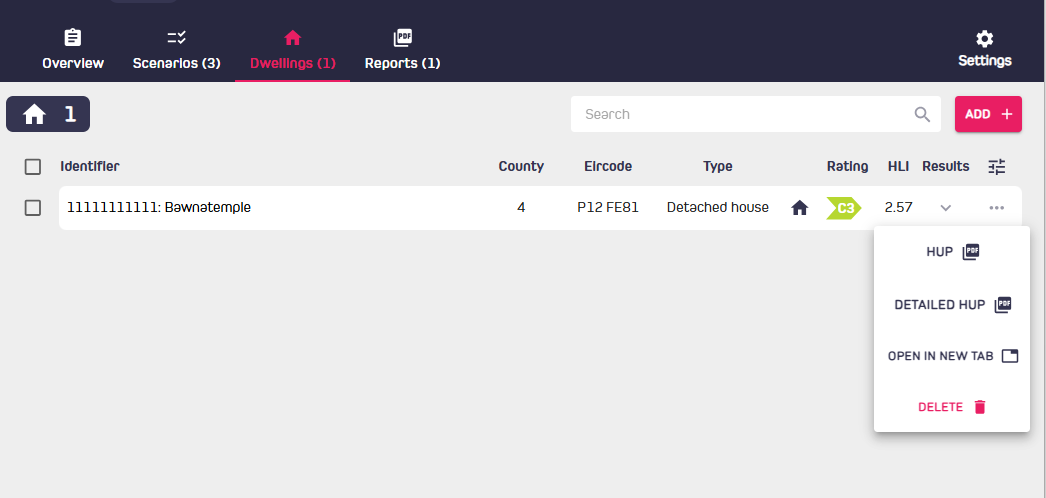
To generate other report types (simple and detailed Home Upgrade Plans), click on the three dots beside the dwelling in the Project -> Dwellings tab as shown. These reports show all results for all Scenarios in the project and are not configurable from the User Interface.