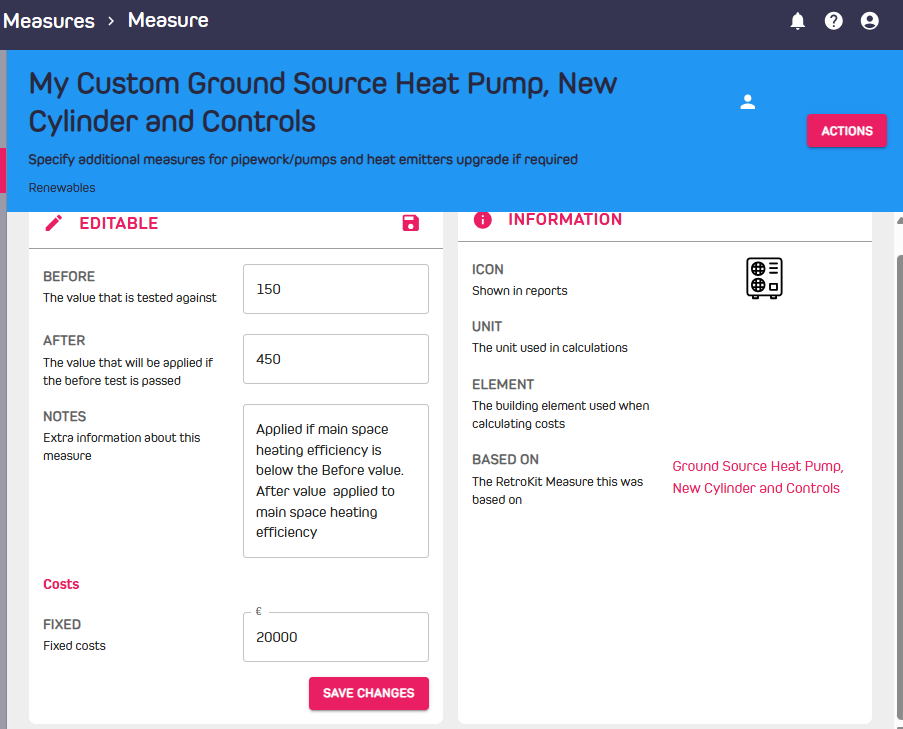
Add Measures
Measures are applied to specific facets of the Dwelling during an upgrade and are grouped together in Scenarios.
Browsing Measures
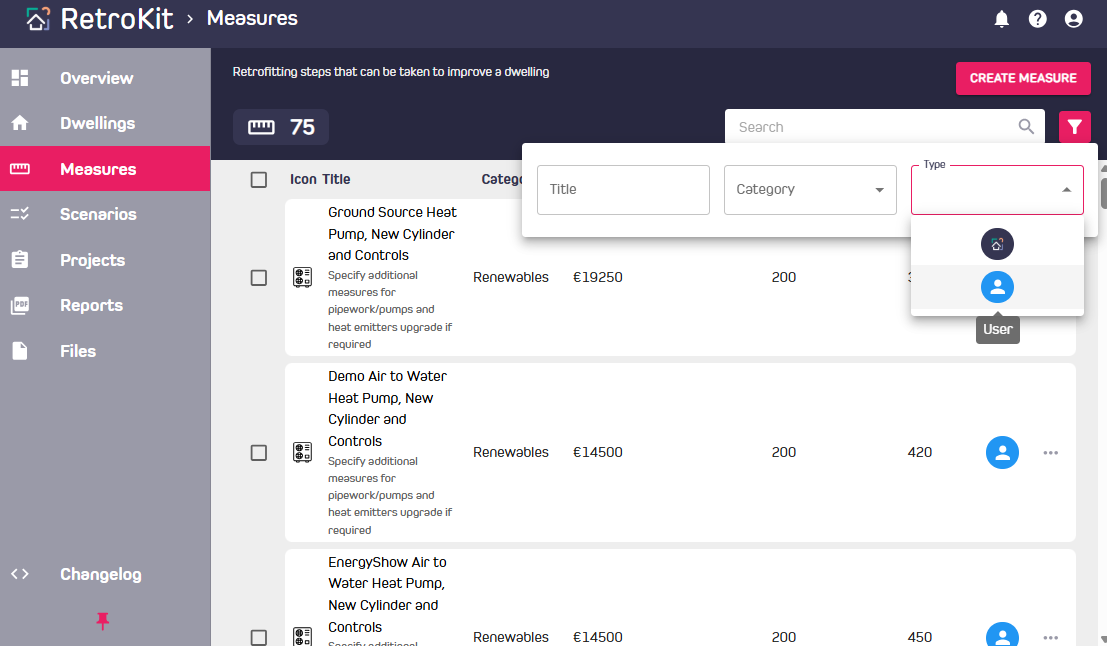
- View all measures in the Measures tab. Filter as desired to see your custom "User" Measures.
- Costs can be fixed, variable (e.g. per m2 insulation) or fixed based on floor area banding (e.g. 50-100m2).
Creating your own Measures
- Navigate to the Measures page and click the "Create Measure" button on the top right. Or select "Copy" under the three dots beside the Measure of your choice.
- Costs and performance fields are editable, with only relevant editable fields being made available for each Measure.
- See the "Notes" entry outlining how the measure works. Generally, the "Before" value dictates whether the measure will be applied in a scenario, and the "After" value is the post works performance value if the measure is applied.
- Click "Save Changes" to update the values you have entered in the new Measure.