Creating Projects
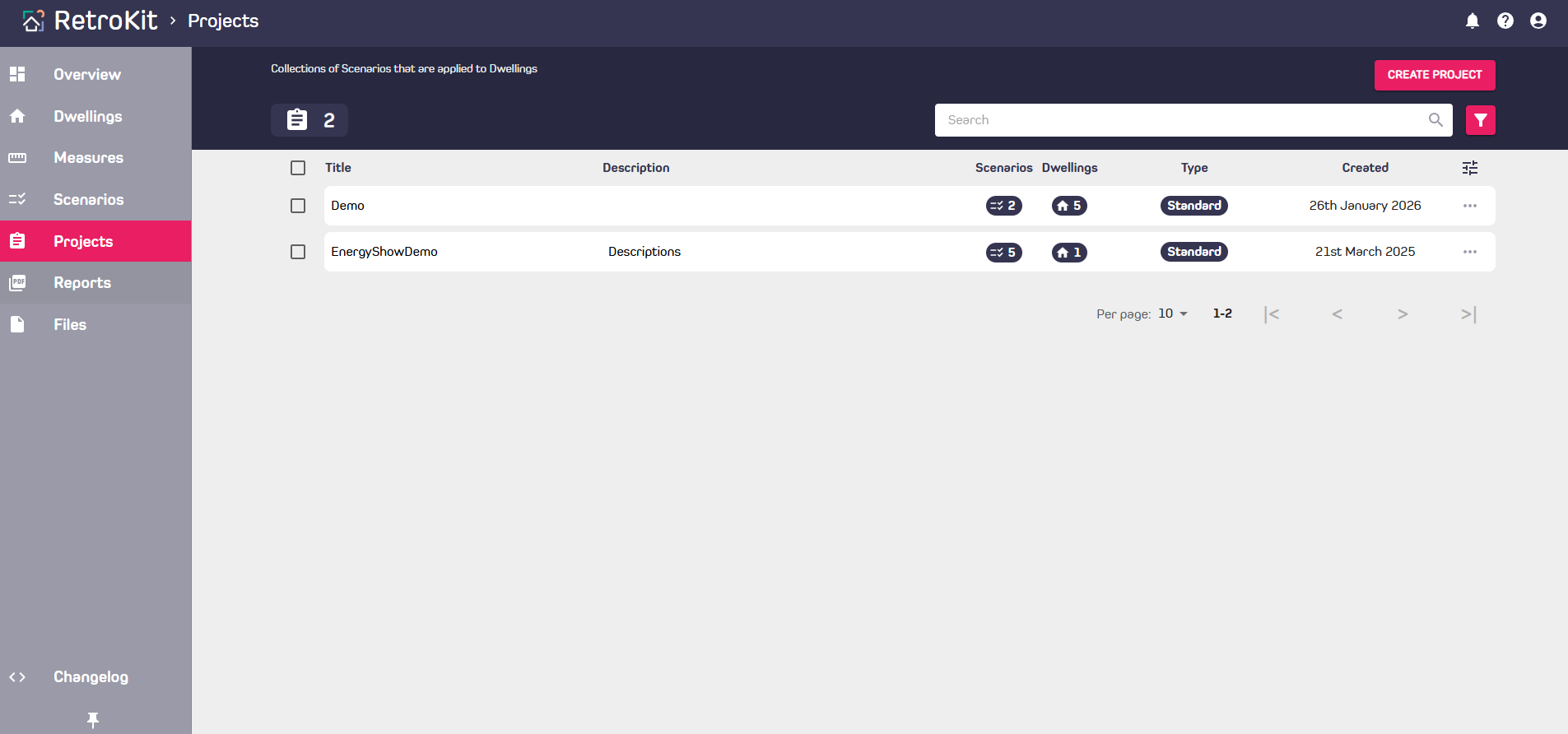
A Project is a combination of Dwellings and Scenarios.
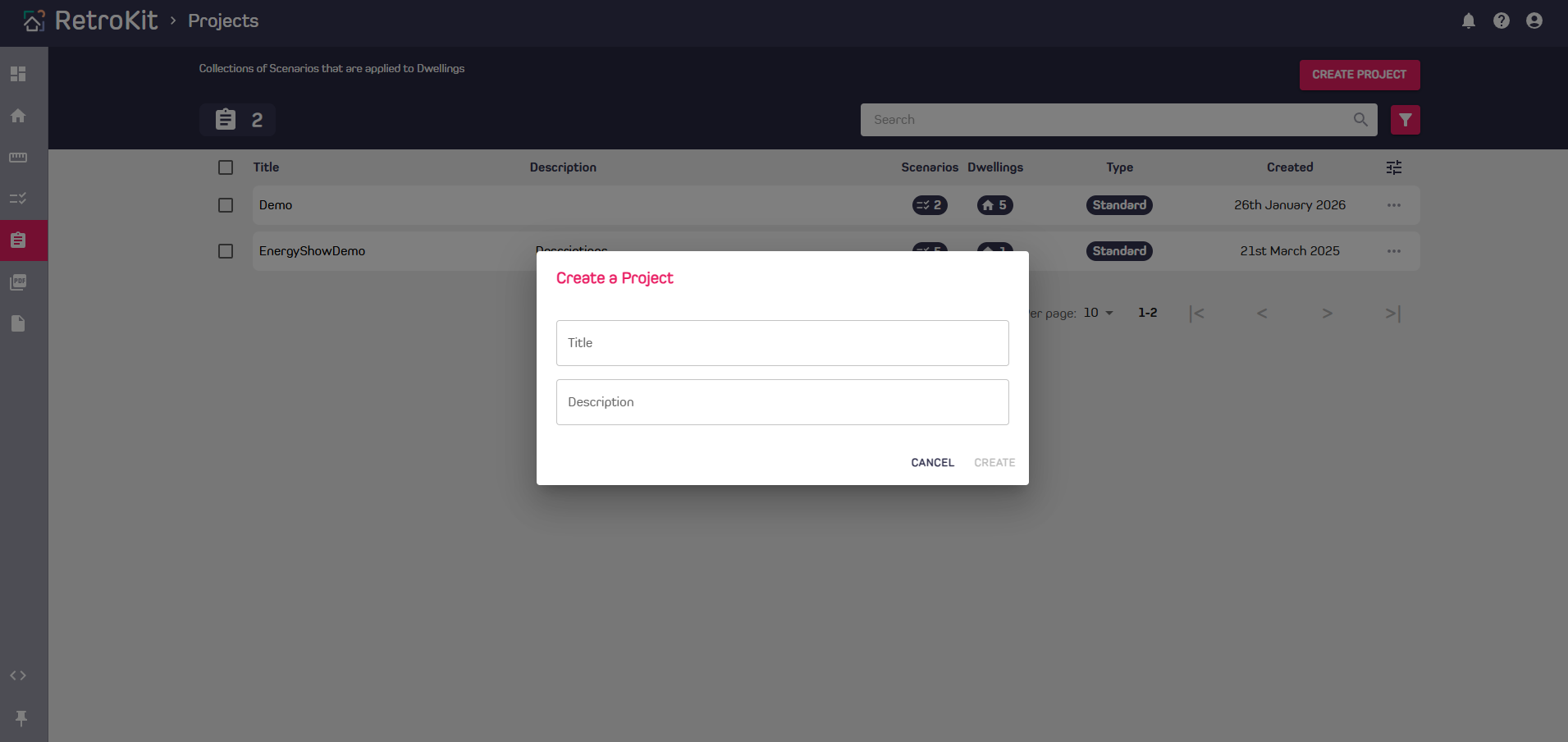
Create a Project
There are three ways to create a Project
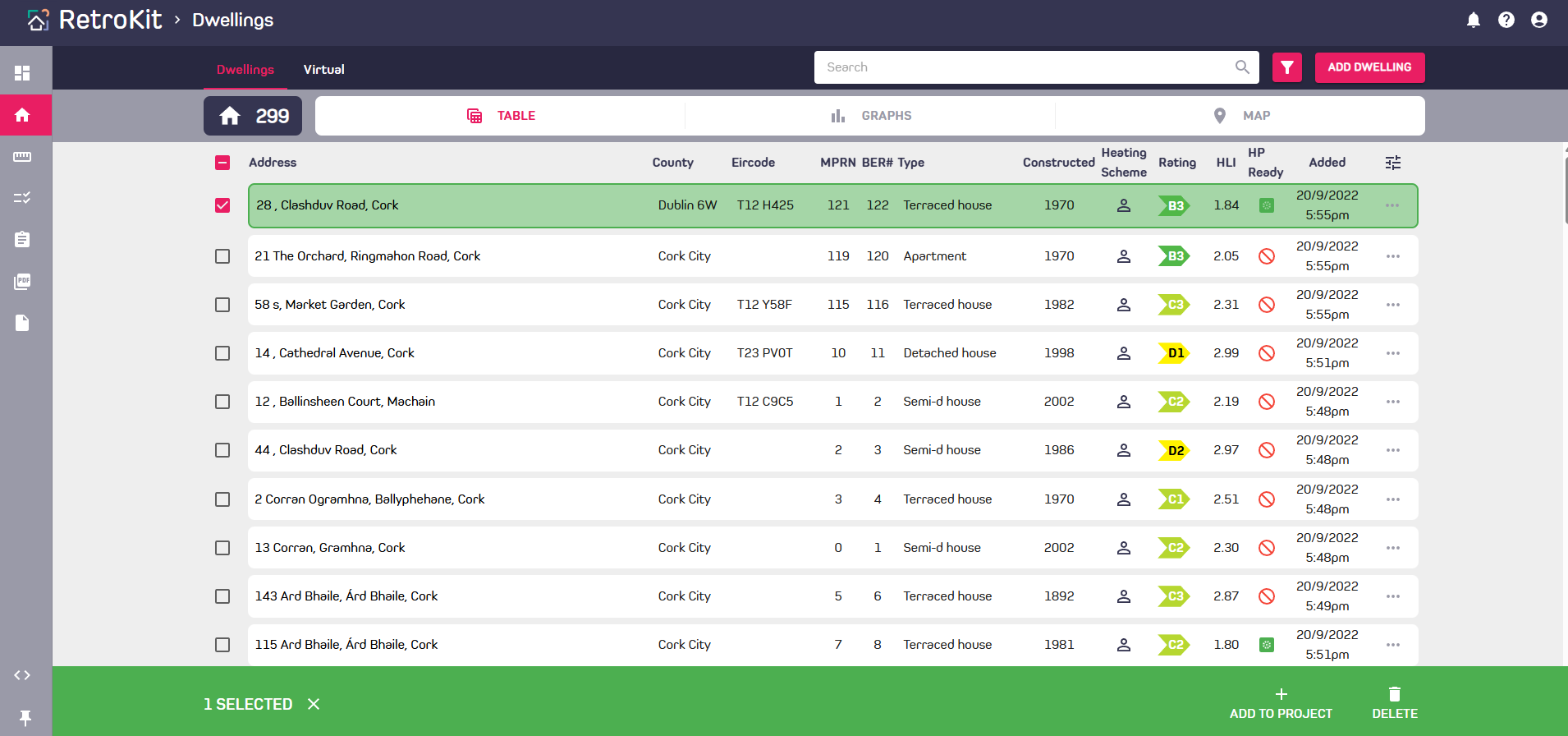
- Select Dwellings from the dwellings table or map and select the "Add to Project" action from the selection bar at the bottom. Choose new Project then give it a name and description.
- Select Scenarios from the Scenarios table and select the "Add to Project" action from the selection bar at the bottom. Choose new Project then give it a name and description.
- Create from the Projects page; Use the "Create Project" button at the top right.
Adding Dwellings to an existing Project
Select Dwellings from the table or map and select the "Add to Project" action from the selection bar at the bottom. Choose existing Project then use the search box to find your Project.
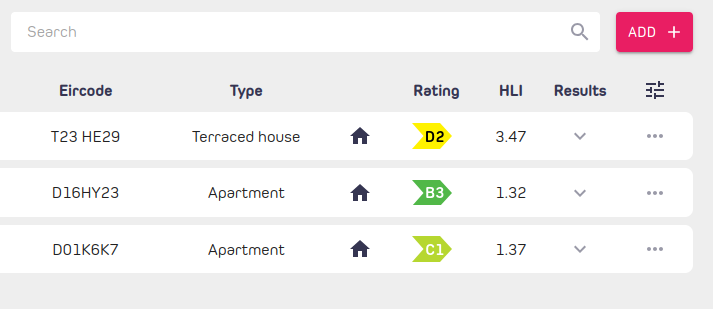
Or from a Project page, navigate to Dwellings tab and click the "Add+" button on the upper right of the Dwellings table.