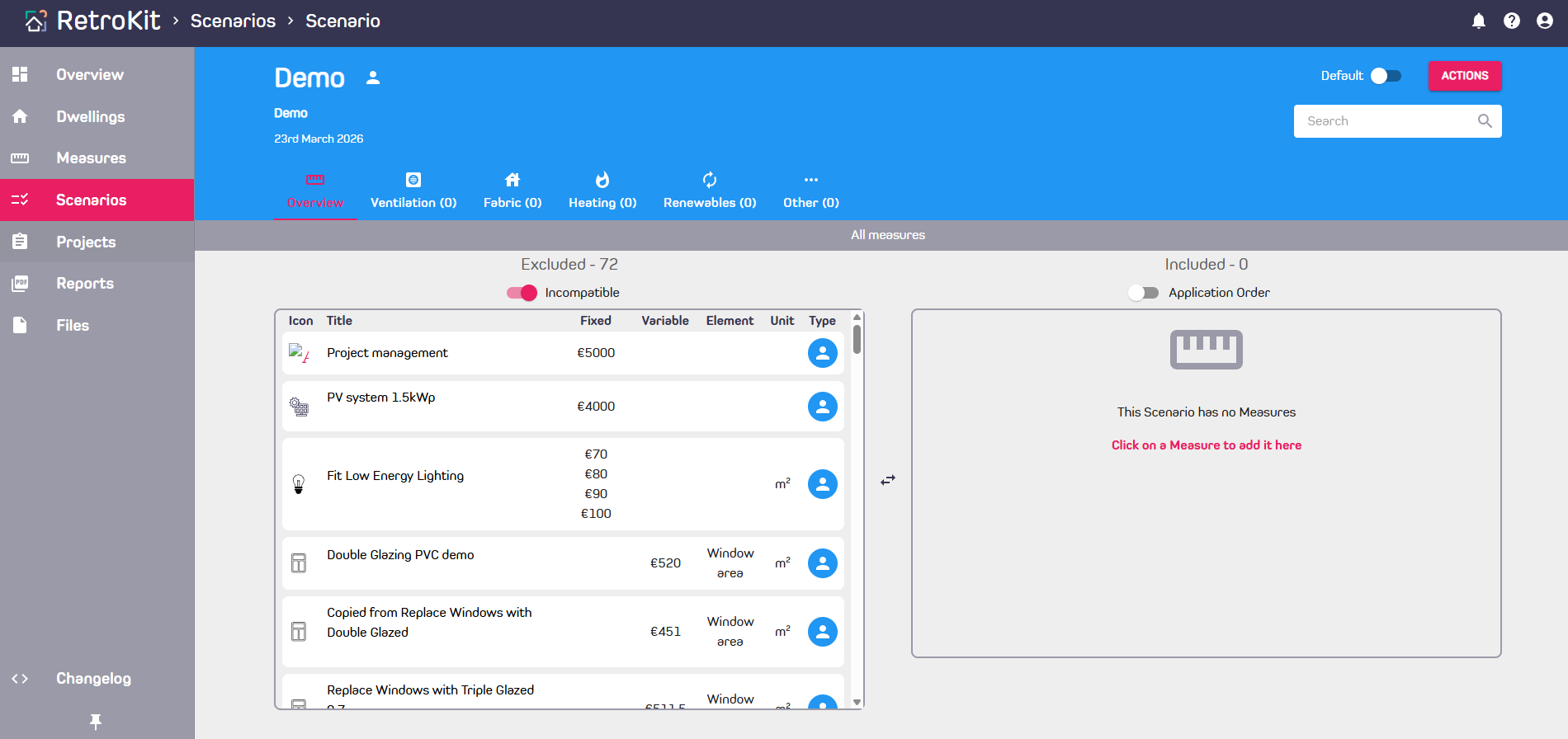
Add Scenarios
Scenarios are a group of Measures packaged together that can be applied to Dwellings as an upgrade.
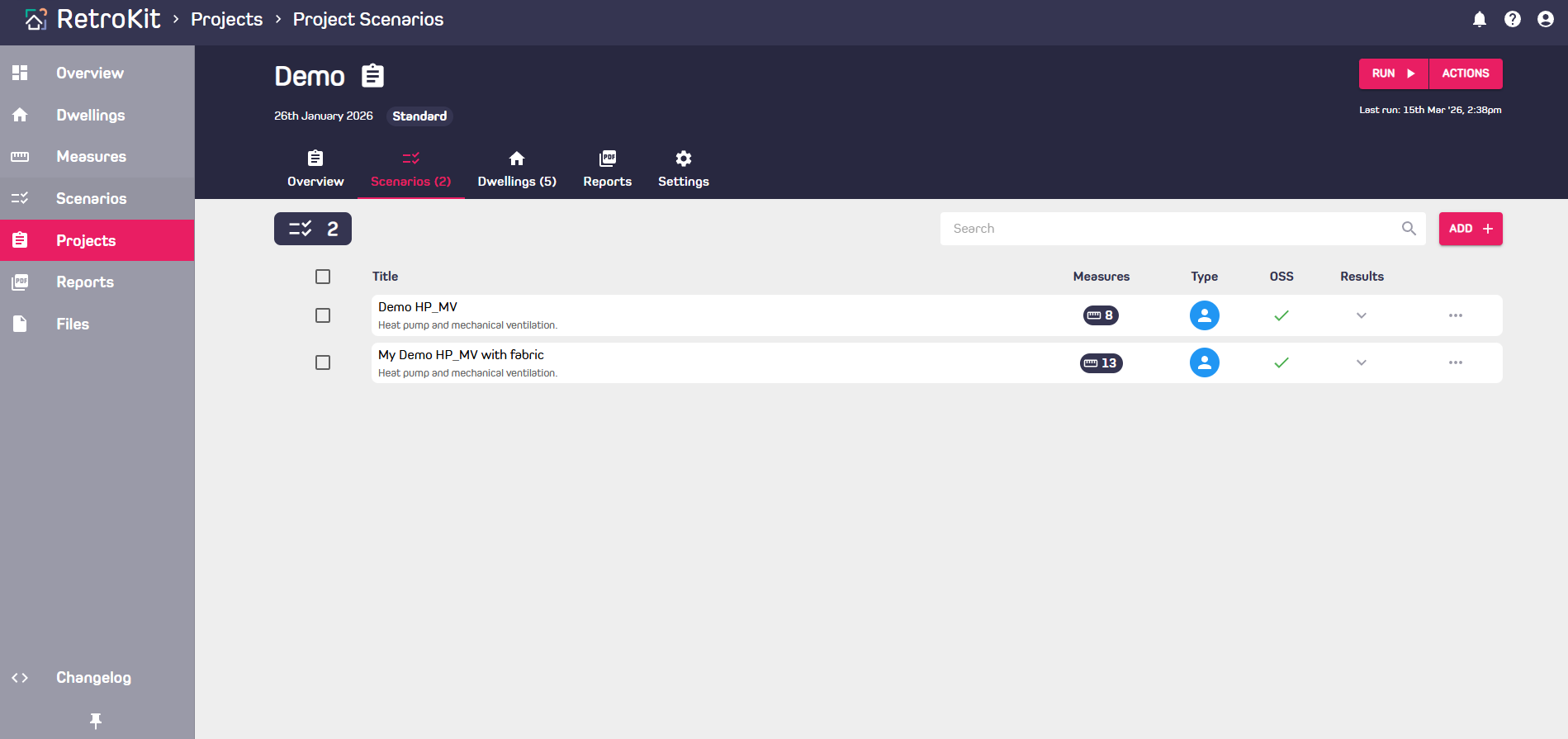
Adding Scenarios to a Project
- Your default Scenarios will be added to all new Projects automatically. Scenarios can be edited within a Project without affecting the base Scenario.
- You can also add additional Scenarios by navigating to the Scenarios tab within a Project and clicking "Add +" button on the top right.
Creating your own Scenarios
- Navigate to the Scenarios page and click the "Create Scenario" button on the top right.
- Build your Scenario be clicking on Measures from the library on the left. These are added to your Scenario on the right.
- Scenarios can be set as default (added to all new Projects automatically) by sliding the toggle on the top right beside the Actions button.